- A custom GPT gives real value, but it can’t ask for or save anyone’s email.
- You can put an email form in front of it, or wire up a GPT Action. Both work, both leak.
- Or use a lead magnet tool built on AI, so the email is part of the experience.
Why custom GPTs make good lead magnets
A PDF gets downloaded and forgotten. A custom GPT answers back. Your future client asks about their own situation and gets an answer shaped by your method, which is a better taste of working with you than any checklist.
They’re also quick to make. If you have ChatGPT Plus, you can upload your guide, write a few lines of instructions and share a link the same afternoon.
The catch: a GPT can’t collect emails
A custom GPT has no form, no list and no way to tell you who used it. People open it, get value and leave, and you never hear from them again. They also need to be signed in to ChatGPT to use it, which loses some people at the door.
For a lead magnet, that’s the part that matters most. So you need to add the email step yourself.
3 ways to get the email
1. Put an email form in front of the link
Make a simple sign-up page in your email tool. When someone signs up, the thank-you page or the welcome email shows the GPT link.
- Good: free if you already have an email tool, and done in an hour.
- Not so good: once the link is out, anyone can share it, and you never see what people asked.
2. Ask for the email inside the chat with a GPT Action
A GPT Action can send data to another app. Tell the GPT to ask for an email first, then send it to a webhook in Zapier or Make that adds it to your list.
- Good: the email is asked for inside the conversation.
- Not so good: it needs an API schema and a privacy policy link, and the GPT can skip the step if someone asks it to.
3. Use a lead magnet tool built on AI
Tools made for this put the AI conversation on a page of its own, ask for the name and email as part of it, and save every lead with their answers.
- Good: no login for the visitor, every lead saved, and you can send them on to your webinar or a call.
- Best for: coaches who want every lead saved and sent straight to a webinar or a sales call.
The 3 ways side by side
| Way | Setup | Saves the email | Visitor needs ChatGPT |
|---|---|---|---|
| Form in front | About an hour | Yes, before they start | Yes |
| GPT Action | Half a day | Usually | Yes |
| AI lead magnet tool | Under an hour | Yes, every time | No |
Build one that collects the email
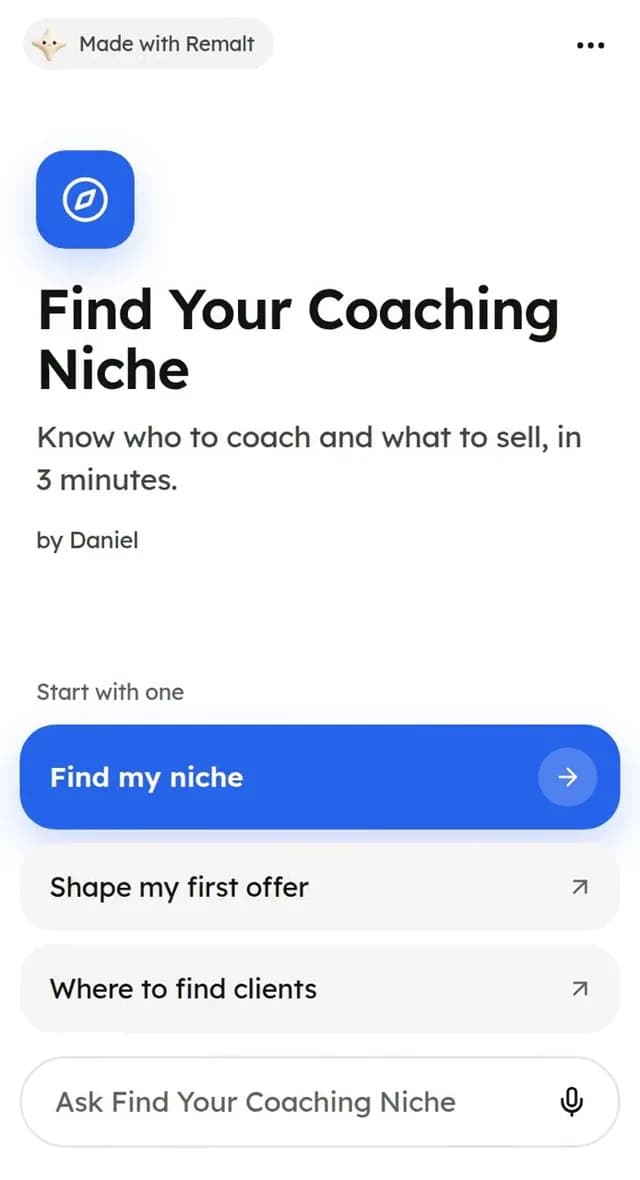
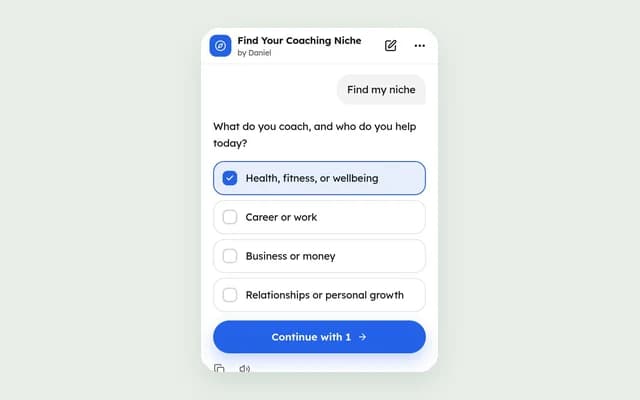
This is how it works in Remalt, the tool we make. Upload the same guide you’d give your GPT. Remalt writes a few one-tap questions and a personal plan for each person, and asks for their name and email before showing it.
- Upload your guide or PDF, or pick a template.
- Check the questions and the plan, and change any word you like.
- Add a button to your webinar or booking page at the end.
- Share your link in your bio, your DMs and your emails.
Questions people ask
Can a custom GPT collect emails?+
Not by itself. You need an email form in front of the link, or a GPT Action that sends the email to another app.
Do people need ChatGPT Plus to use my GPT?+
No, but they do need to be signed in to ChatGPT.
Can I see what people asked my GPT?+
No. Conversations with your GPT stay private to the person using it.
What’s the best lead magnet for coaches?+
One that gives a personal answer fast. Quizzes and short AI plans beat long PDFs because people get something about their own situation.